What does status mean in the app?
Your status in the app is used in a few different ways
What is status in CurrentClient?#
CurrentClient lets you set your status to show your availability to your team and control how calls are handled. Your status can be set to Online or Away, helping you manage your work-life balance and team communication.
There are 3 different statuses you can set:
- Online: You're available and calls will ring through
- Away: You're not available and calls go to voicemail
- On a call: You're currently on a call
Why use status?#
There are three key benefits to using the status feature:
1. Control incoming calls#
When you're set to Away and using our VoIP phone plan calls won't ring through to you. If you are using the call forwarding feature, calls will still ring like normal. They'll go straight to voicemail instead. Perfect for:
- Taking a vacation without interruptions
- Stepping away from the office for meetings
- Focus time when you need zero distractions
- After-hours peace of mind
2. Keep your team informed#
Your status is visible to your entire team in the app. They'll instantly know:
- If you're available for calls
- When you're taking a break
- If they should expect a quick response
- When to reach out to someone else for urgent matters
3. Active call status#
When you're on a call, your status automatically updates to show "On a call". This lets your team know you're busy without you having to manually update anything.
How do I update my status?#
The easiest way to manage your status is through the mobile app:
Open the app
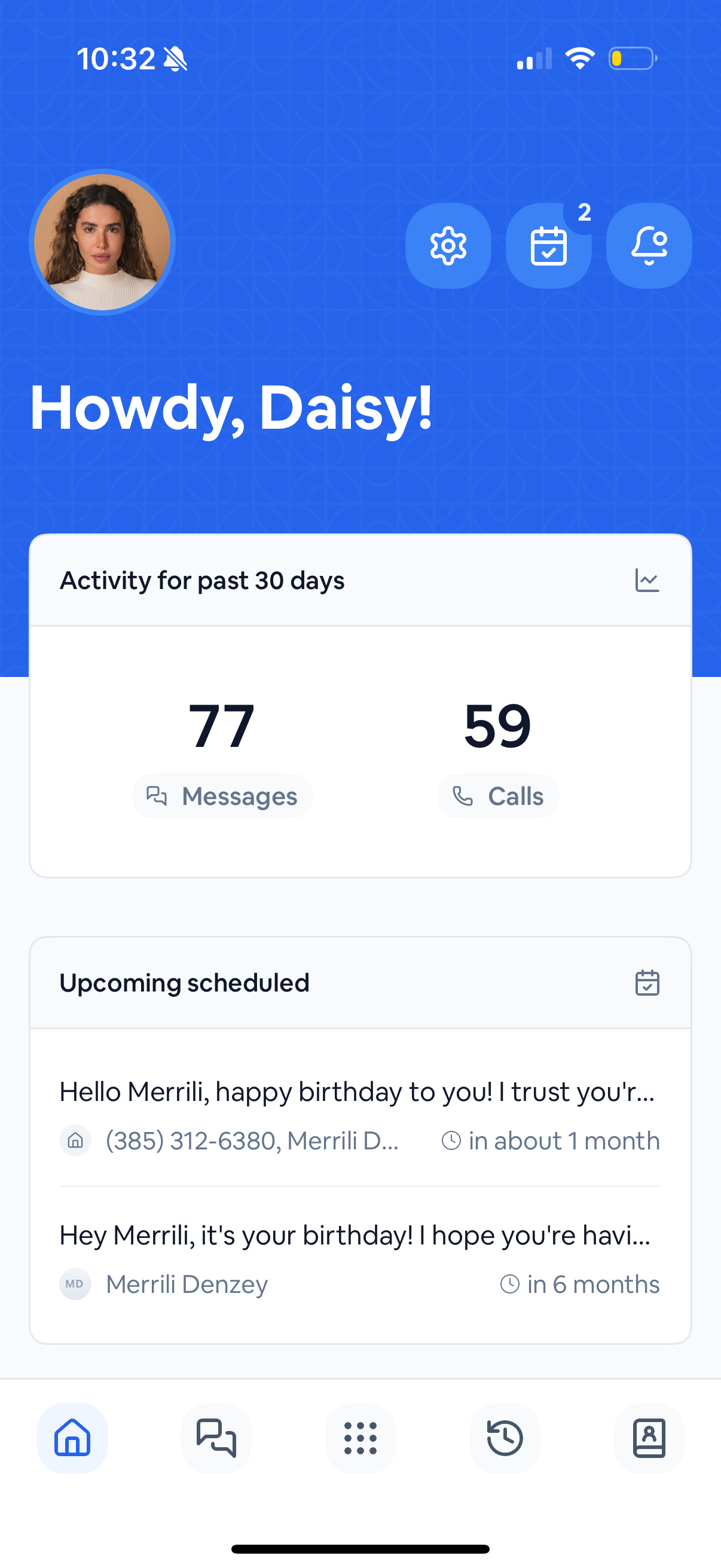
Go to your home screen in the CurrentClient mobile app
Access your profile
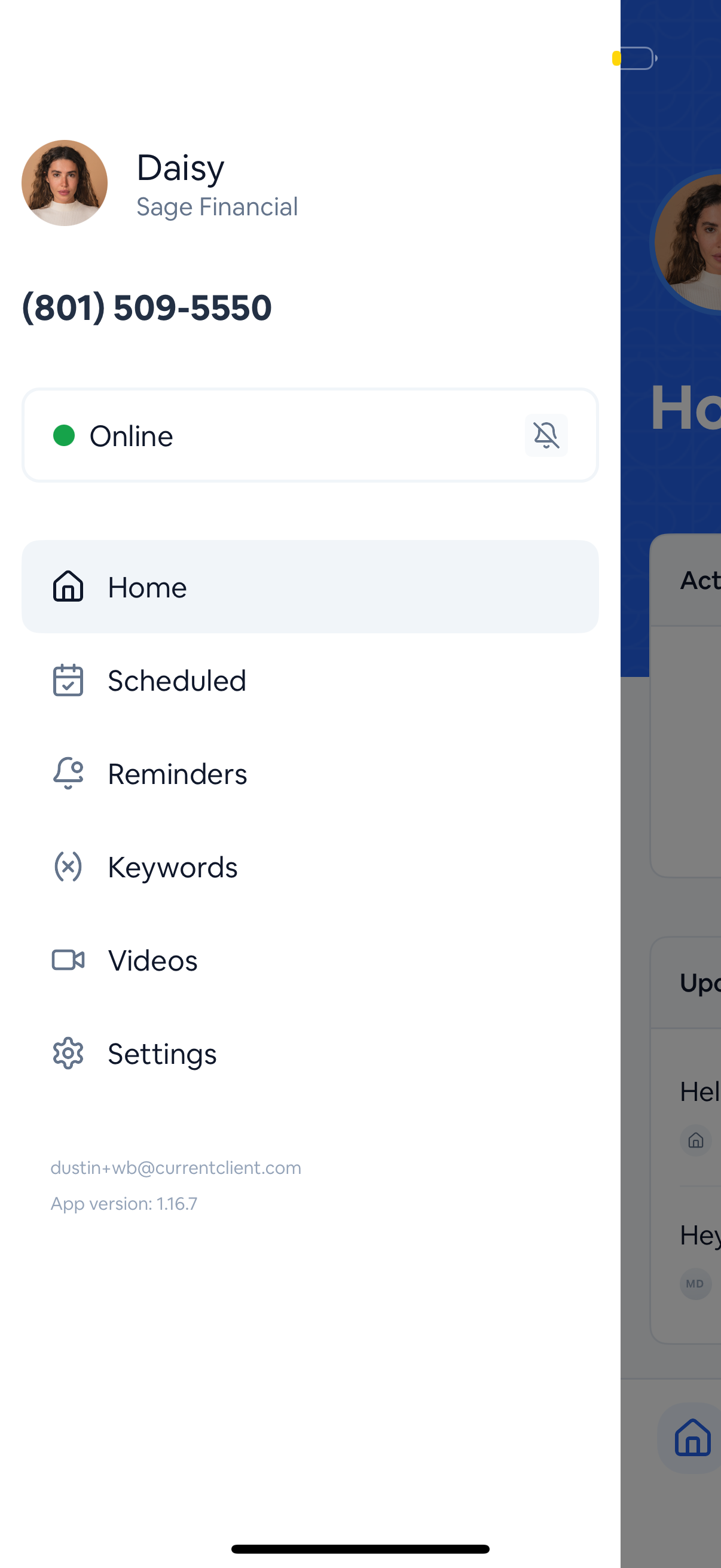
Tap on your avatar in the top left corner
Toggle your status
You'll see your current status - simply toggle between Online and Away as needed